Your completed designs will appear here automatically.
YOUR IDEA, MADE VISIBLE
A few words can give your tattoo a direction.
Start with what you want to remember, a subject you love, or a feeling you want to carry. Describe the main elements and leave room for the design to take shape.
THE IDEA
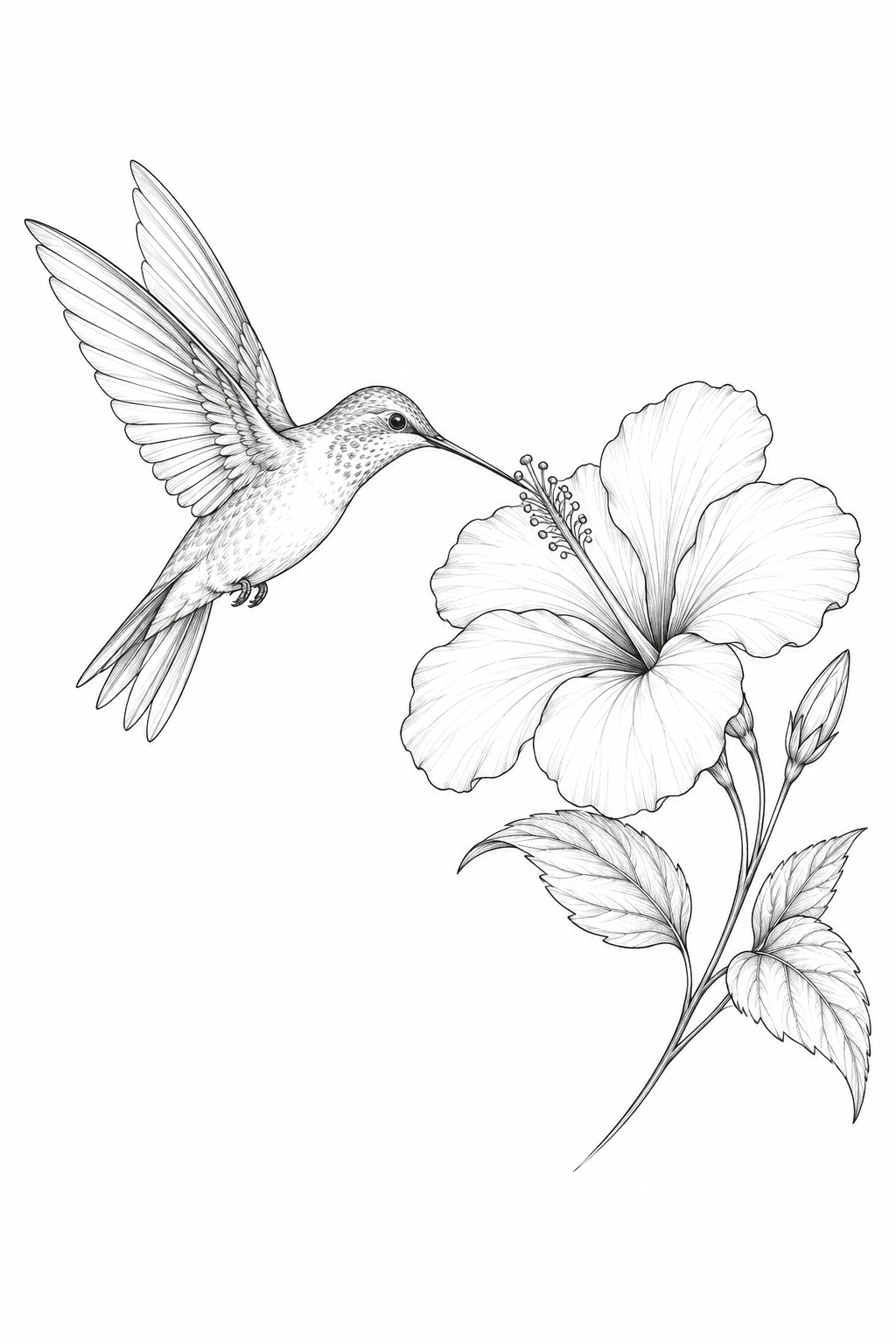
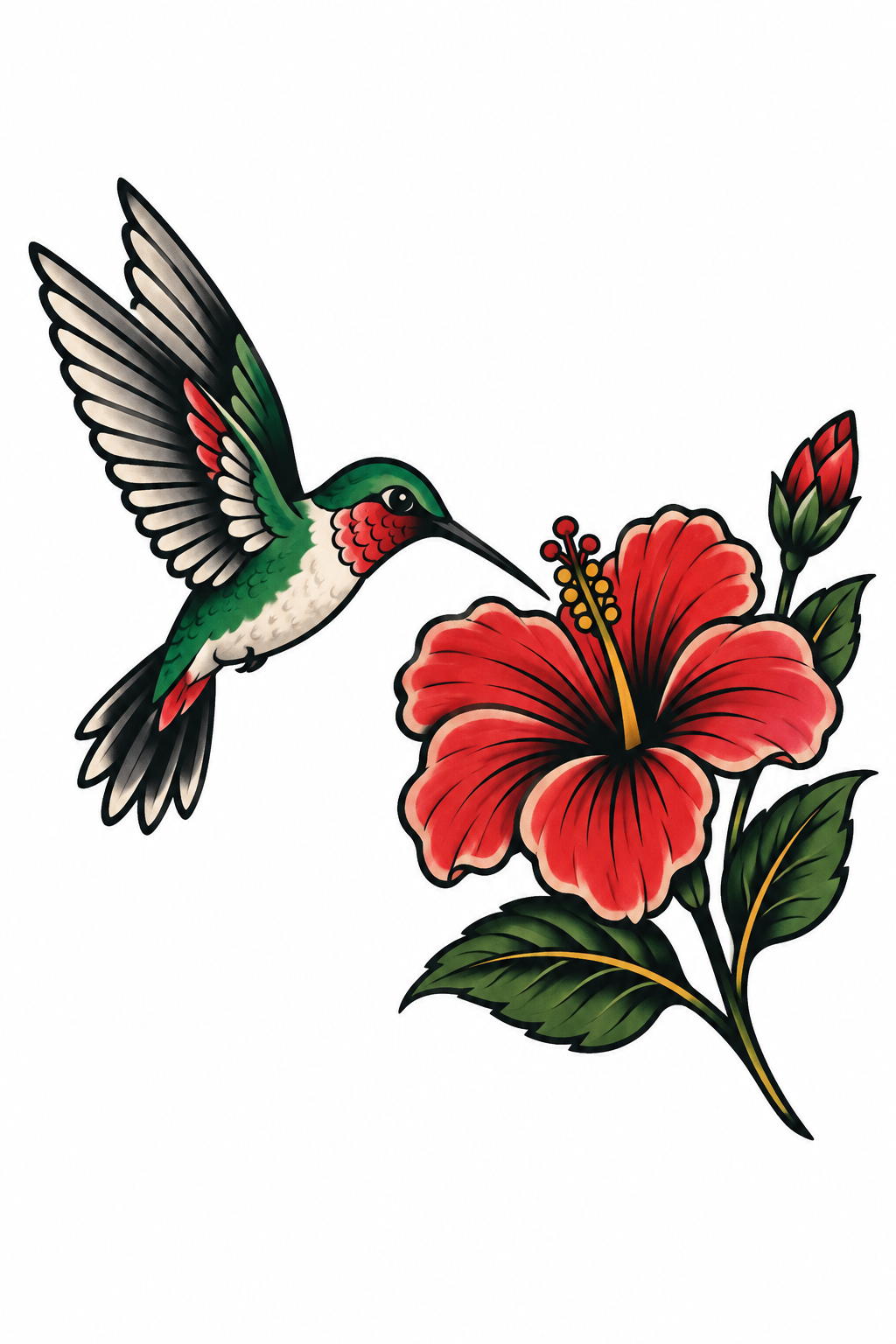
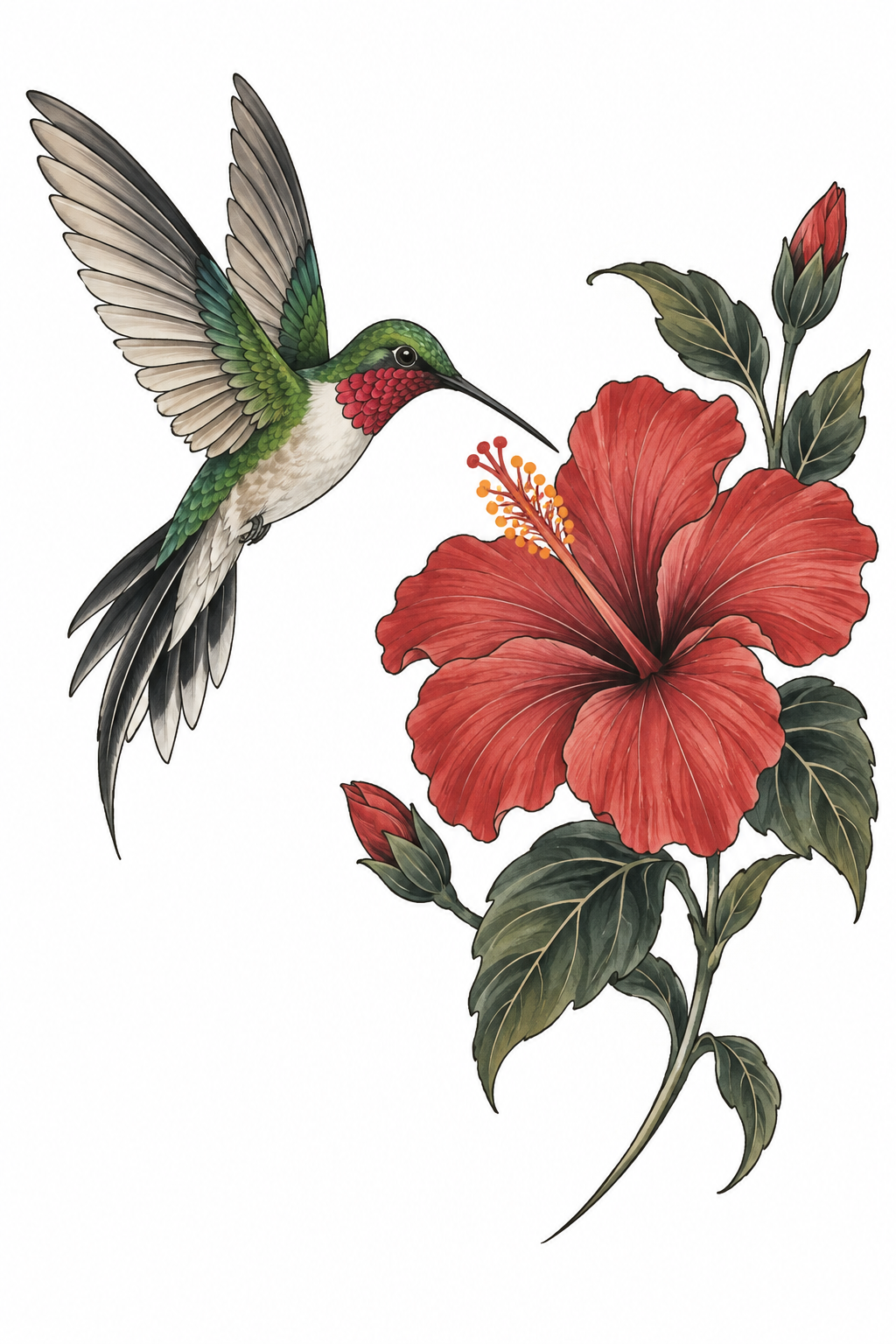
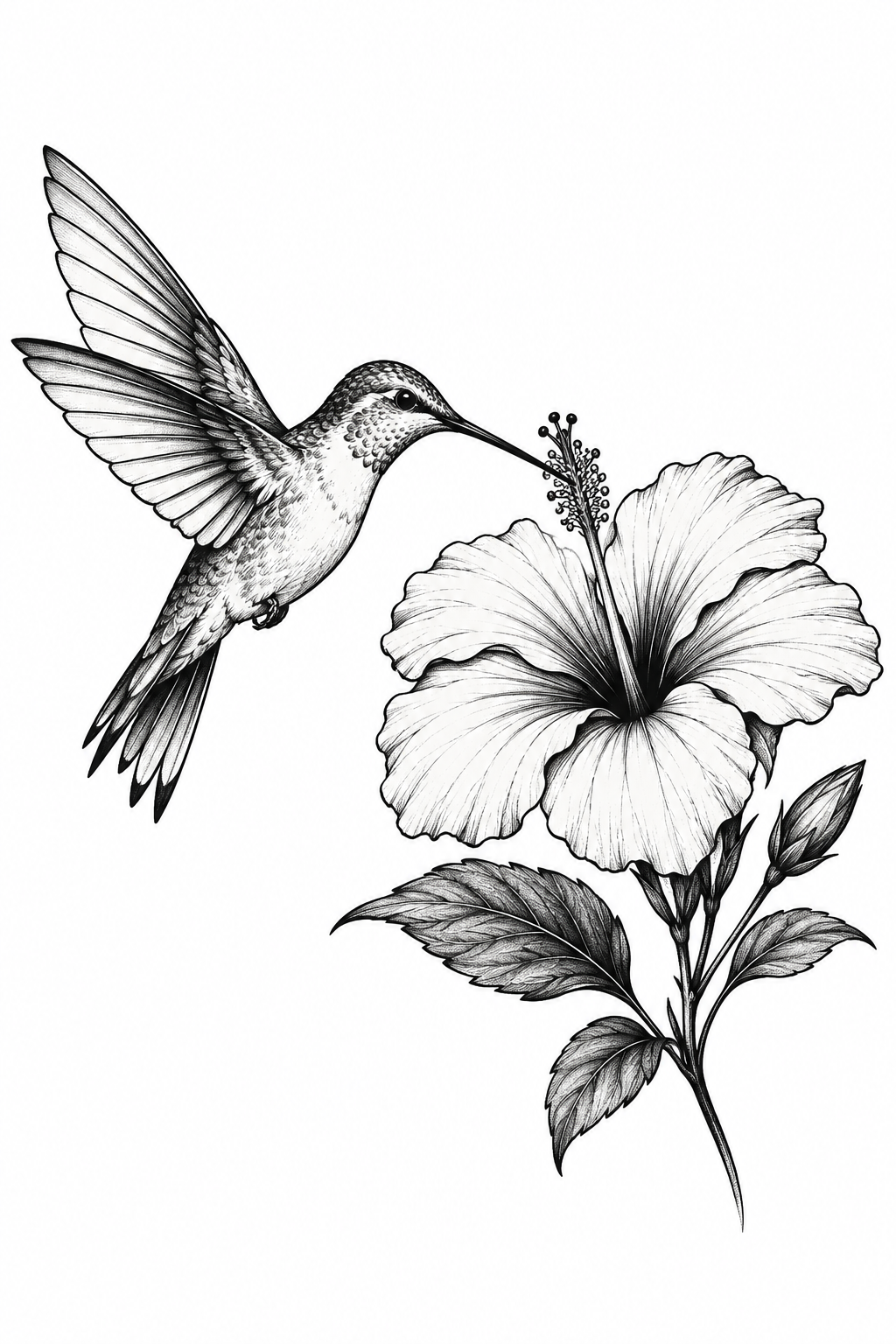
A hummingbird hovering beside a single hibiscus flower, graceful wings, a balanced botanical composition and generous negative space.
Name the subject and the details that matter to you.
Choose a style to explore how the same idea can feel.
Fine LineCreated with InkByYou.
ONE IDEA, DIFFERENT STYLES
Find the look that feels like you.
The hummingbird and flower stay the starting point. Fine lines, solid black shapes, bold color and flowing compositions lead to very different designs. Pick a direction and make it your own.
Fine Line
Delicate outlines, light detail and an open composition.
Traditional
Confident outlines and a bolder, illustrated character.
Japanese
Flowing movement and a more ornamental composition.
Blackwork
Stronger black shapes with clear areas of negative space.
Our examples use the same starting idea in four styles. These are actual generated concepts, not customer tattoos; details naturally vary between generations.
KEEP EXPLORING
Keep what you love. Change what you want.
A first design can help you discover what you really want. Open Remix on an unlocked result and describe the change: a different flower, fewer details, or a new symbol beside the same subject.
THE CHANGE
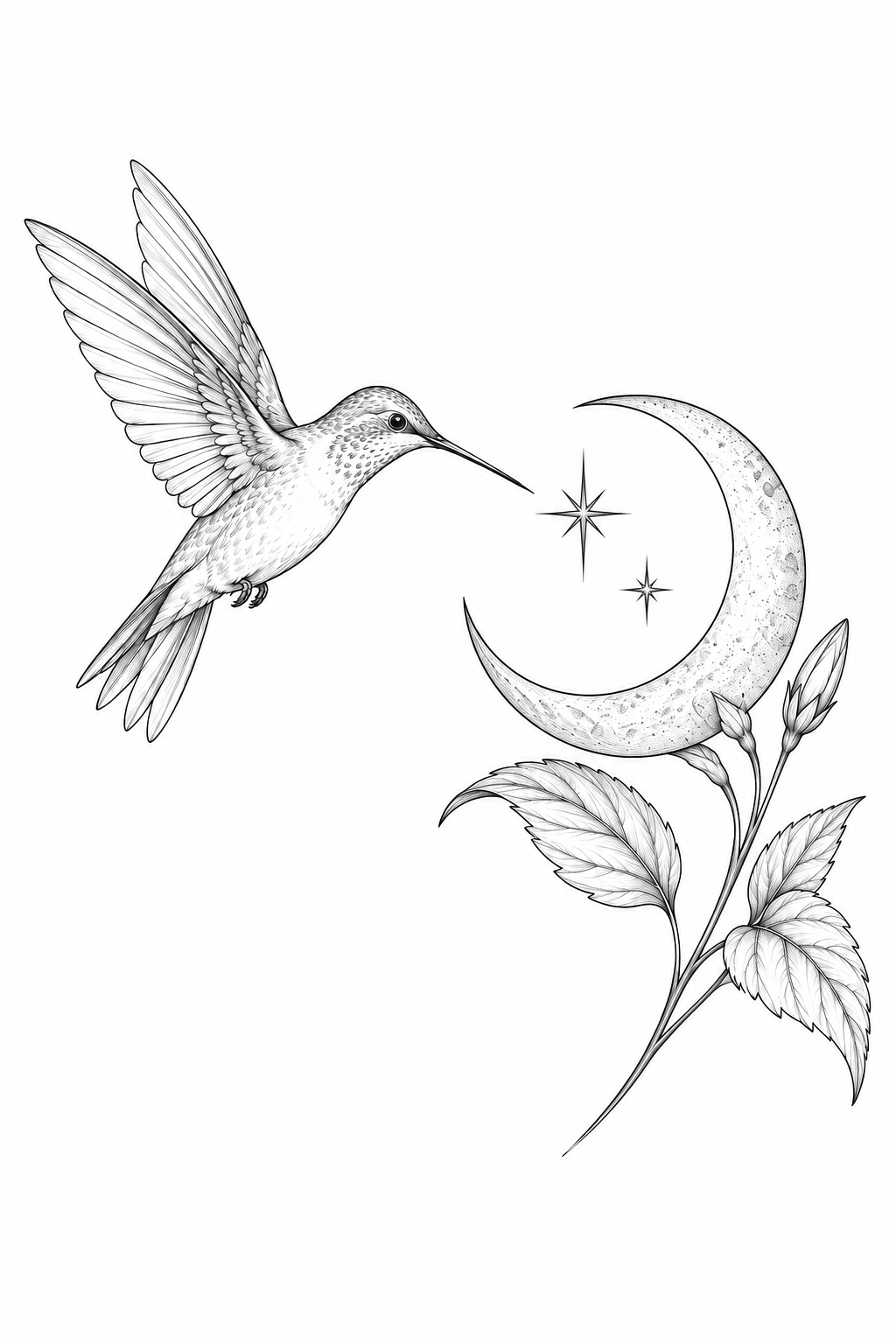
Keep the hummingbird. Replace the hibiscus with a crescent moon and two small stars.
Remix creates a new version and uses another generation credit. Keep the earlier result to compare; an edit can also change nearby details.
Original concept
Remixed version
The original concept and its actual Remix result.
TAKE THE NEXT STEP
Bring a clearer idea to your tattoo artist.
Download the unlocked original PNG and use it as a visual starting point. Your artist can help adapt the proportions, spacing and detail to the placement and size you choose.
Save the original file to share privately with your artist.
Use the stencil tool if you need to explore a linework version.
Actual generated artwork shown in a file preview. Your artist should review the design before tattooing.THREE SIMPLE STEPS
From an idea to a design you can discuss.
01
Describe your idea
Start with a subject, meaningful detail or mood. Add the elements you want, and anything you want to avoid.
02
Choose the direction
Pick a style and composition. Generate a concept, then check the shapes and details that matter most to you.
03
Refine and save
Use Remix to explore another version, or download the unlocked original to discuss with your artist.
Questions before you create
What should I write in my tattoo prompt?
Describe the main subject, the elements you want beside it, and the mood or meaning. Add placement or composition preferences if they matter. A focused idea is easier to review than a long list of unrelated symbols. You can start with one of our examples and change it.
Can I add a name, date, or short phrase?
Use Add text and choose a lettering style. Keep the wording short, then check every letter and number in the generated result. Lettering choices guide the AI; exact typography and spelling may need correction.
Can I try it for free, and what costs credits?
The AI tools share one free preview. Unlocking that preview’s original costs 1 credit. Later generations, including Remix, cost 1 credit and include the original file. Downloading an already unlocked file does not use another credit.
Will I get the same design if I use the same prompt?
Not necessarily. AI generation can produce different interpretations of the same idea. Save a version you like before starting another. For changes to a particular result, use Remix rather than expecting a new text generation to reproduce it exactly.
Can I change a design after it is generated?
Yes. Once the original is unlocked, open Remix on that result and describe the change. It creates a separate version, so you can compare it with the earlier design. Each new Remix uses a generation credit.
What file can I download?
The unlocked original is a PNG image. The free preview is smaller and watermarked. PNG is suitable for visual editing and sharing with an artist; it is not a layered vector file. For a sized PDF, use the separate free Basic Stencil tool.
Can I take this straight to a tattoo appointment?
Bring it as a design reference. Your artist should check the line spacing, small details, placement and size, and adapt the artwork for skin. The generated concept is not a guarantee that every detail will work at every size.
Are my ideas and generated designs private?
Your artwork is private by default and kept for up to 30 days. Favorites do not extend that period. A public link is created only when you enable sharing; it shows a watermarked result preview and can be revoked. Download the original if you want to keep it longer.
What happens if a generation fails?
A confirmed failed generation restores the credit or free-preview allowance used for it. If the provider’s response cannot be confirmed, My Ink shows the unresolved status and the request is not automatically submitted again. Starting another generation is a new request.
Start with something that means something to you.
Try our hummingbird idea, then change the subject, symbols and style to tell your own story.
Cookie Settings
We use cookies to improve your experience, analyze site usage and support our marketing. You can accept or reject non-essential cookies; essential cookies needed for sign-in always stay on.