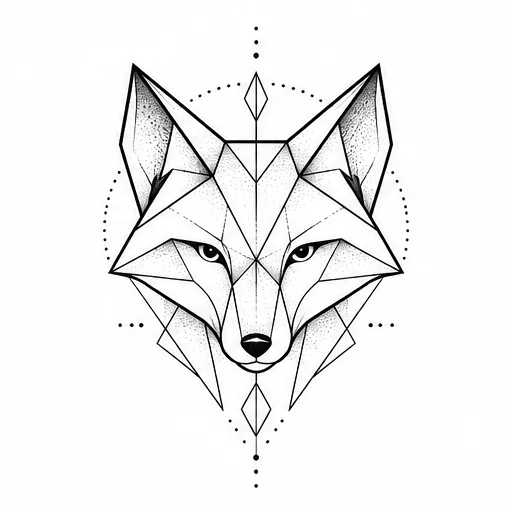
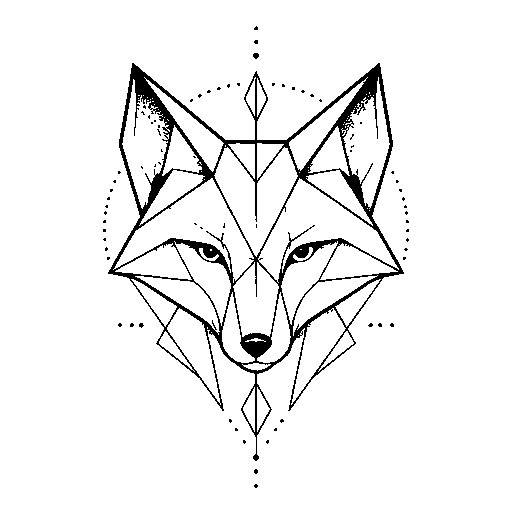
Geometric fox sample
Drawing mode · detail 65 · line weight 1 · speck removal 3
Turn a photo, sketch, or design into stencil linework. Compare, adjust, and print a reference for your tattoo artist.
Preserves dark strokes in artwork and lettering.
Your upload stays in this browser. No account, AI request, or credits needed for this tool.
A reference draft, not a ready-to-apply transfer. Have your artist review detail, line weight, and placement.
Need a design first? Create one with AI.These are sample concept drawings processed with this tool, not client tattoos. Originals and results use the same conversion settings.
Drawing mode · detail 65 · line weight 1 · speck removal 3
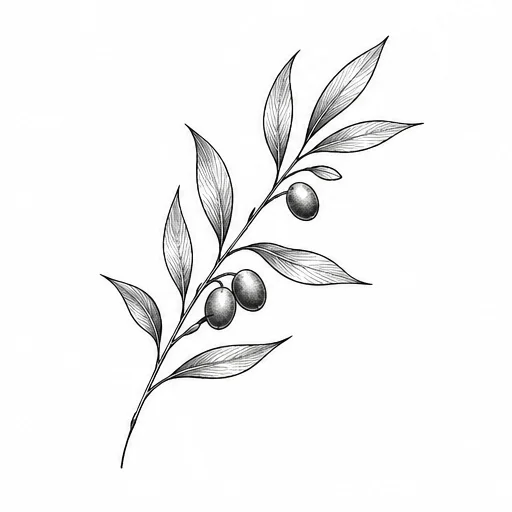
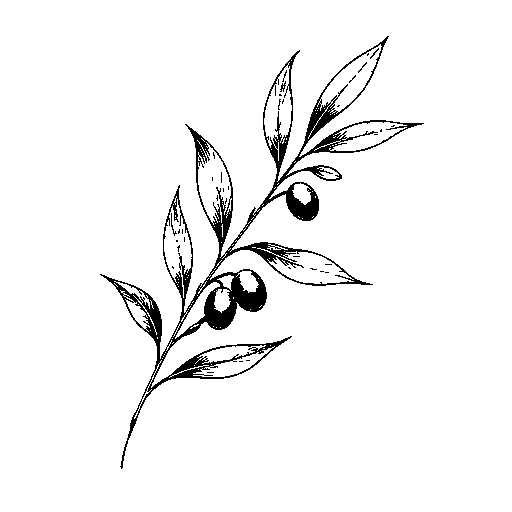
Drawing mode · detail 65 · line weight 1 · speck removal 3
Drawings with a light background and distinct strokes work best. Keep the subject large in the frame. Increase detail to retain lighter strokes, then remove specks carefully.
Choose Photo contours and compare important features with the original. Fur, shadows, and busy backgrounds can create extra lines. Extracting tattoos from curved skin or restoring hidden details is not supported.
Set the design width in cm or inches and choose A4 or US Letter. Download the PDF, print at Actual size / 100%, and measure its 20 mm calibration line. Printer settings can change the final scale.
The Mirror control flips both the PNG and PDF, while keeping the original unchanged. Ask your artist or follow your printer workflow to decide whether mirroring is needed.
Image conversion, adjustments, PNG, and single-page PDF downloads are free. The separate AI Tattoo Generator uses its own preview and credit rules. No AI enhancement is sold in this stencil tool.
See the pricing rulesYou can extract visible contours from a photo, but results depend on contrast and background detail. This tool cannot infer missing features or guarantee a usable transfer. Compare carefully with the original.
No. Conversion and PNG/PDF downloads work without an account. Your uploaded source stays in this browser and is not added to a public gallery or saved to your account.
The PDF keeps the width you entered instead of shrinking it silently. Reduce the width or choose the other paper size. Multi-page printing is not available yet.
Yes. Open a completed, HD-unlocked design and choose Make a stencil. The original is checked against your account before loading. Making the local stencil does not use another credit.