How to Turn a Dog Photo Into a Fine-Line Memorial Tattoo
Choose a photo that looks like your dog, see what two linework drafts keep, and prepare a clear reference for your tattoo artist.
See which details stay recognizable
Pick a photo where you can see the shape of the ears, the eyes, and the marking you would miss most. In this beagle’s photo, the white stripe widens between the eyes and runs down toward the nose. Look for that shape in the drawing before deciding which fur lines to keep.
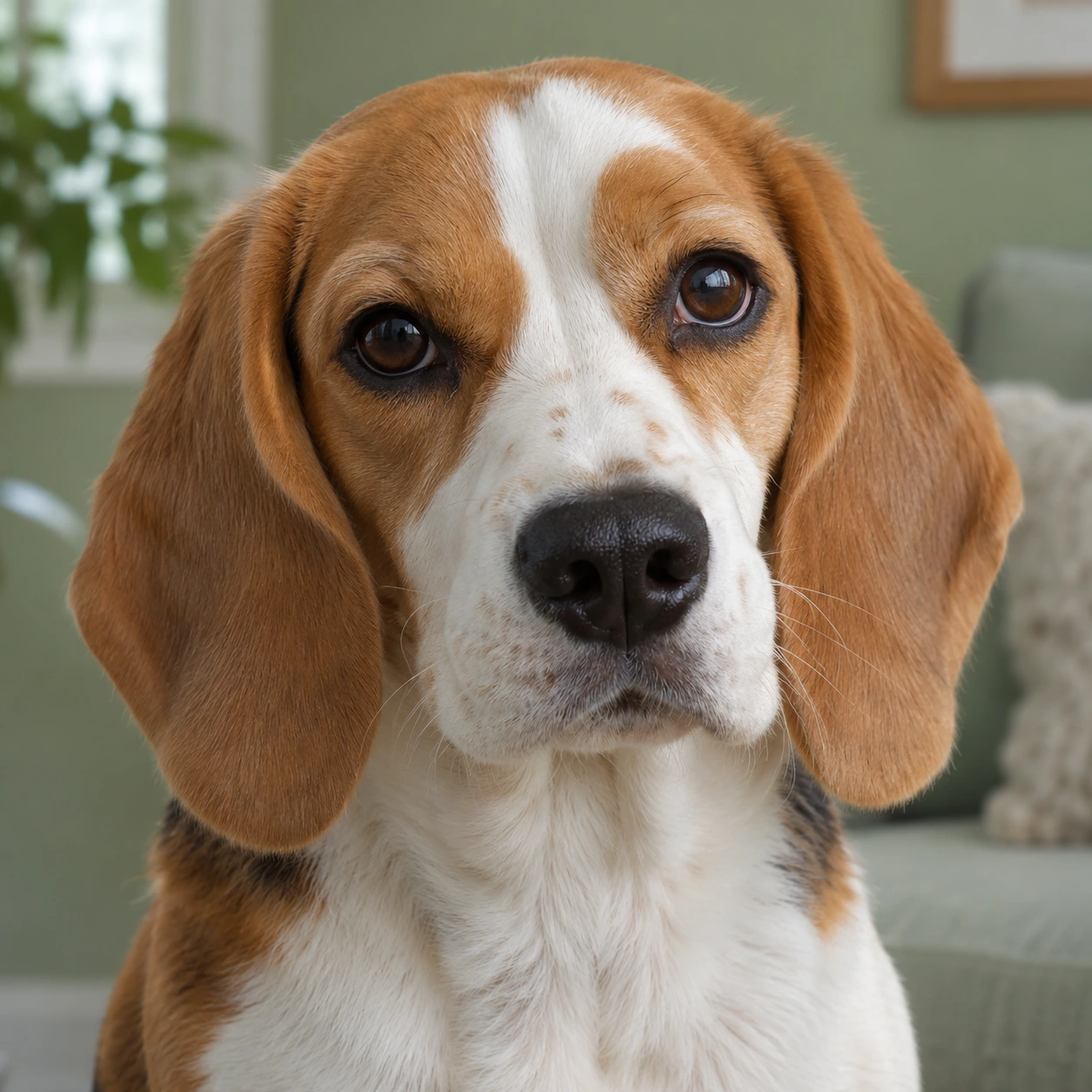
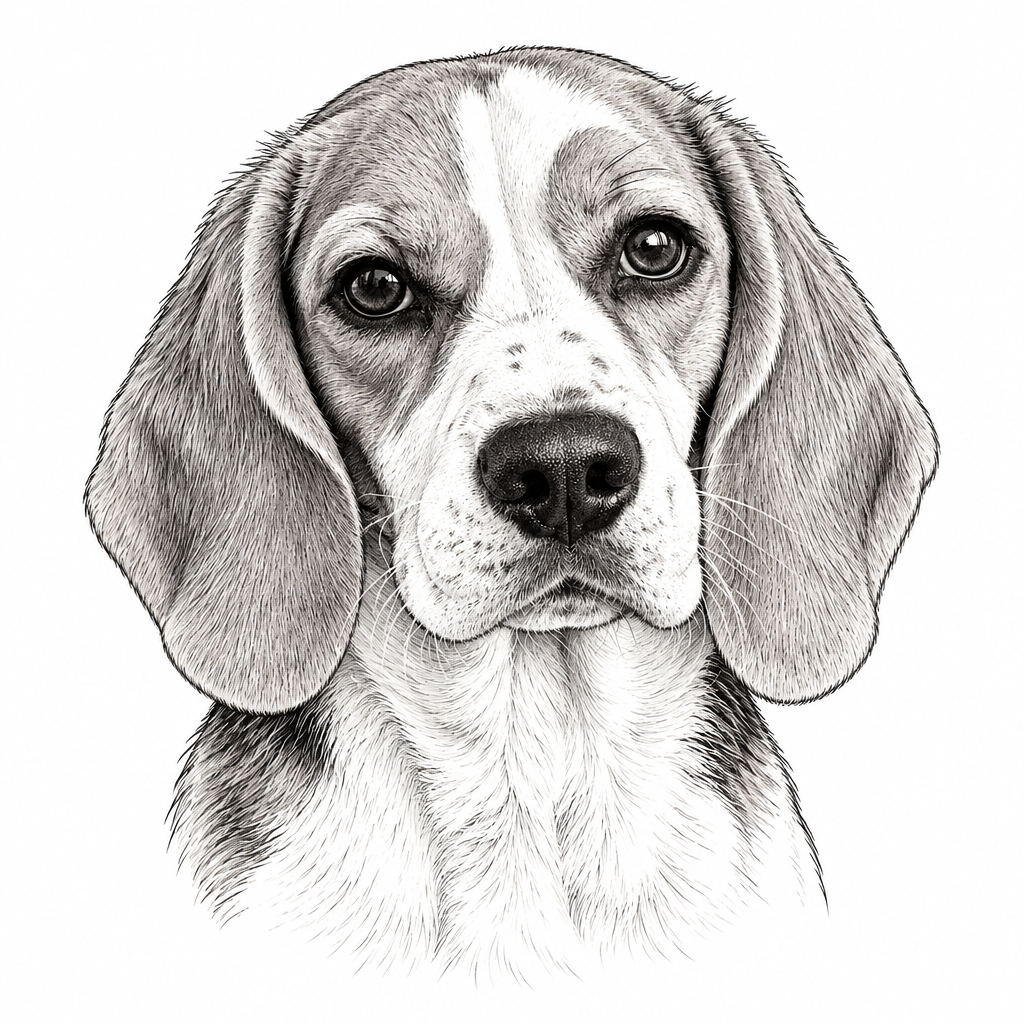
The stripe and the drooping ears are still recognizable. Zoom in on the ears and chest and you’ll see rows of thin fur strokes. If you have a small tattoo in mind, use the next draft to decide which of those strokes can go.
Choose one main photo
Set your favorite pictures side by side. Look for a familiar expression, a sharp outline around the head, and enough light to see the eyes and the markings. If one ear always folds over, pick a photo that shows the fold. If you want a profile, pick one that clearly shows the nose, chin, and near ear. Keep the whole part you want drawn in the frame.
If your favorite old picture is blurry, save it for the expression or pose. Use a clearer picture as the main reference and keep both originals for your artist. Label what each one shows, such as “use this pose” and “check the white patch here.” Photo reference guidance from Rae Ink.
Make a draft and check the likeness
Open Image to Tattoo, add your main photo, and select Fine Line. Try Simple under Complexity if you want fewer details. In What to keep or change, name the features you want to see, then select Generate Tattoo.
For this beagle, you could write “Keep both drooping ears and the white stripe between the eyes. Leave out the background and most of the fur texture.” Name your own dog’s markings and which side they’re on.
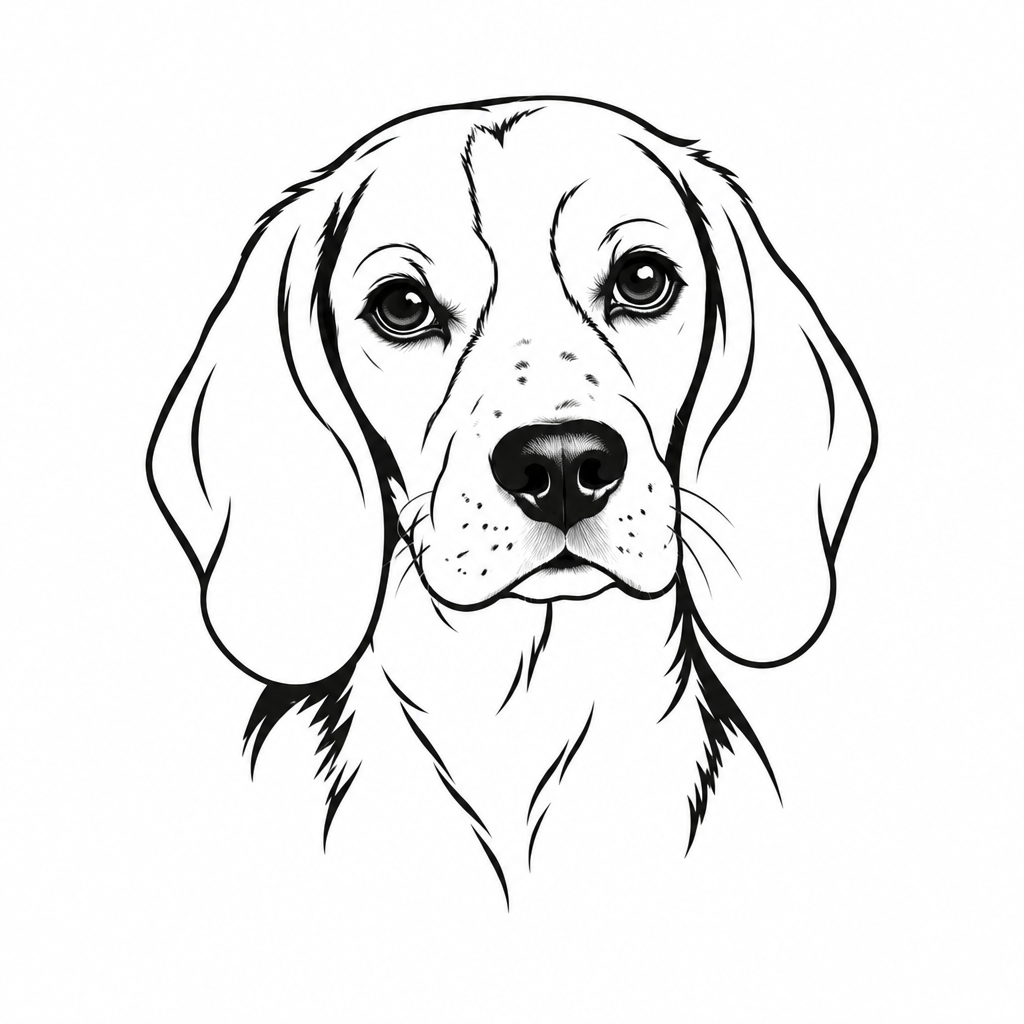
In the Minimalist draft, the big ear shapes still read, but the pale stripe is harder to see above the nose without the surrounding shading. Compare your own draft with the photo in that order: ear shape first, then the edges of the marking, then the muzzle. If the draft shifts a patch or evens out a crooked ear, point to the original and tell your artist which detail to restore.
Send your artist the photo and the draft
Send your artist the original photo, the draft you prefer, and a short note about the feature you want to keep. Add where you want the tattoo and roughly how wide you imagine it. Ask to see the drawing at that width so you can check whether the marking still reads and decide together which lines to simplify.
InkByYou’s AI tools share one free, watermarked preview. Sign in to unlock its original PNG for 1 credit. Later generations cost 5 credits and include the original.
Try a design from your dog’s photo